

Homeschool Portfolio Builder
Important Notice
The Portfolio Builder is a customizable tool designed to help homeschooling families track educational progress and organize records. Because homeschool requirements vary by region, use of this tool does not guarantee compliance with any local regulations. It is the parent’s responsibility to ensure all documentation meets their jurisdiction’s standards. SchoolhouseTeachers.com does not provide legal advice or official approval from any government authority.
Build a Homeschool Portfolio with Confidence
A homeschool portfolio tells the story of your student’s learning throughout the year. Use these guides and record-keeping tools to document progress, organize completed work, and prepare your portfolio for sharing when needed.
Whether you are creating a portfolio for an evaluator, meeting local requirements, or preserving memories from the school year, you can choose the resources that fit your family.
Looking for additional homeschool planning and record keeping tools? Visit the main Homeschool Records & Compliance Center page for the Education Plan Builder, Schoolhouse Gradebook, report cards, compliance documents, and other resources.
1. Start Here
If you’ve never created a homeschool portfolio before, you’re in the right place. A homeschool portfolio is a collection of records and work samples that document your student’s learning throughout the school year. It can help you meet your state or region’s homeschool requirements, prepare for evaluations, and preserve a record of your student’s accomplishments.
Before you begin gathering forms and documents, take a few minutes to learn what typically belongs in a homeschool portfolio.
You must be a member to use these templates. Join here.
2. One Portfolio. Two Ways to Organize it.
Whether you organize your portfolio in a printed binder or with digital files, the portfolio contents remain the same. Only the way you organize and present them changes. You can switch methods at any time or use both until you’re ready to assemble your portfolio.
Printed Binder
Organize completed forms, work samples, photos, and supporting documents in a three-ring binder or filing box.
You must be a member to use these templates. Join here.
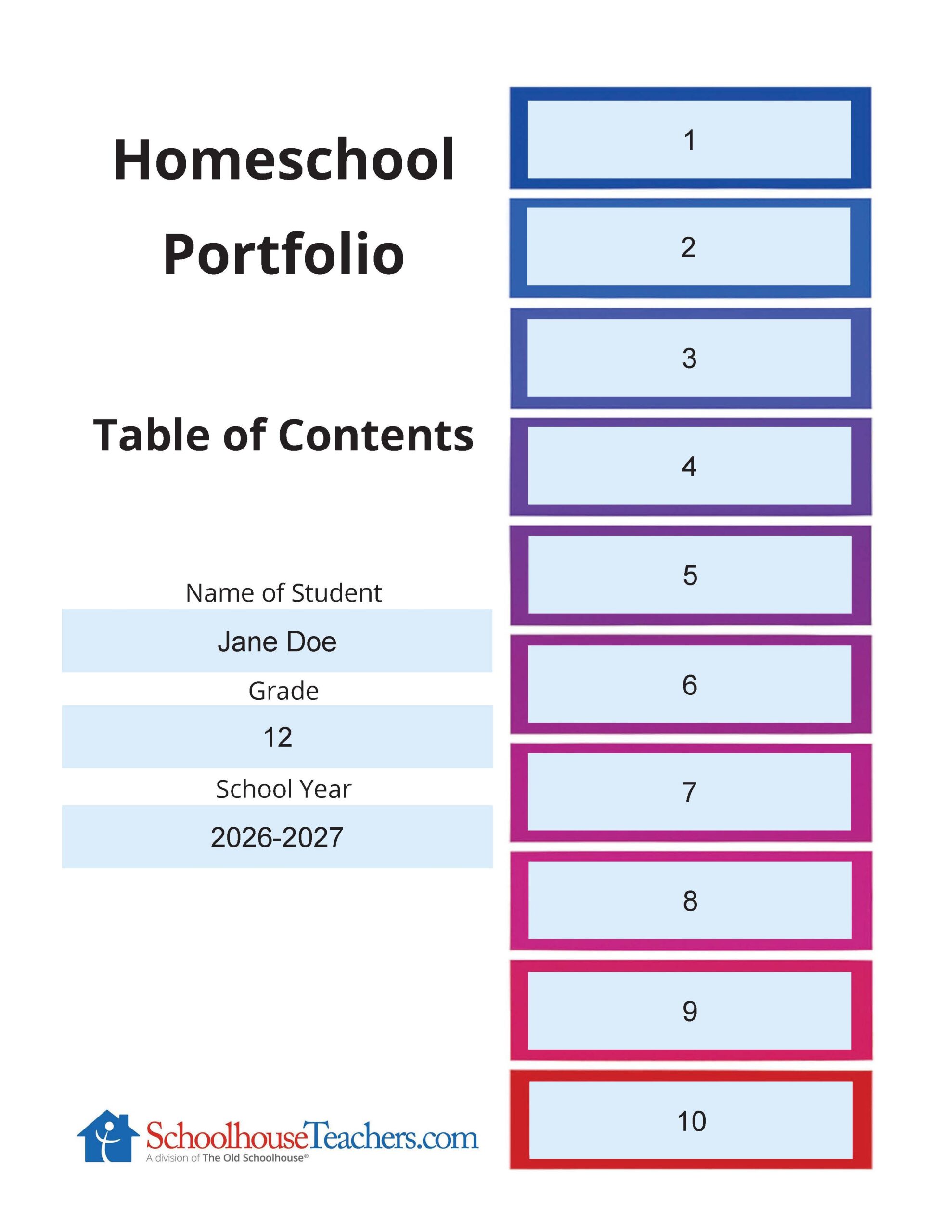
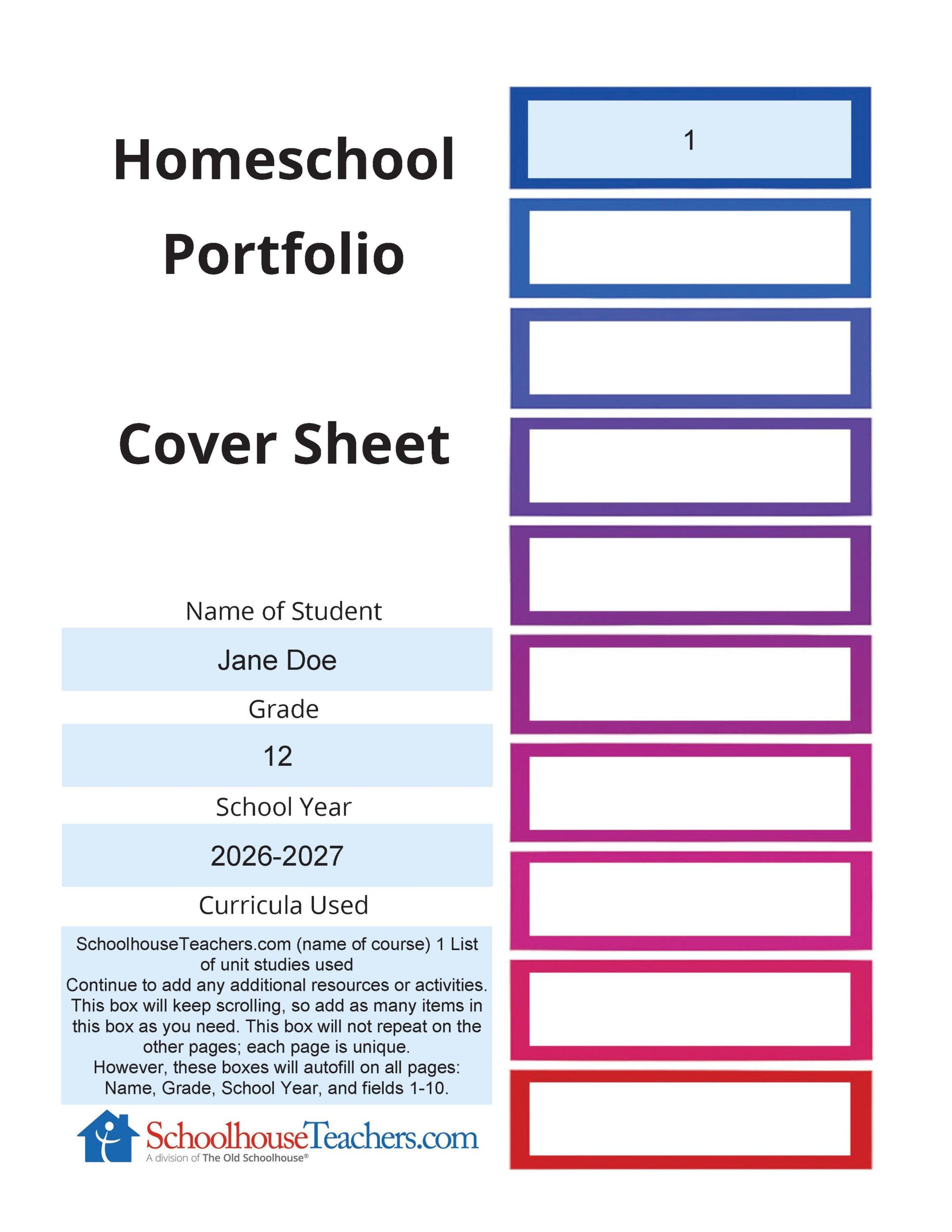
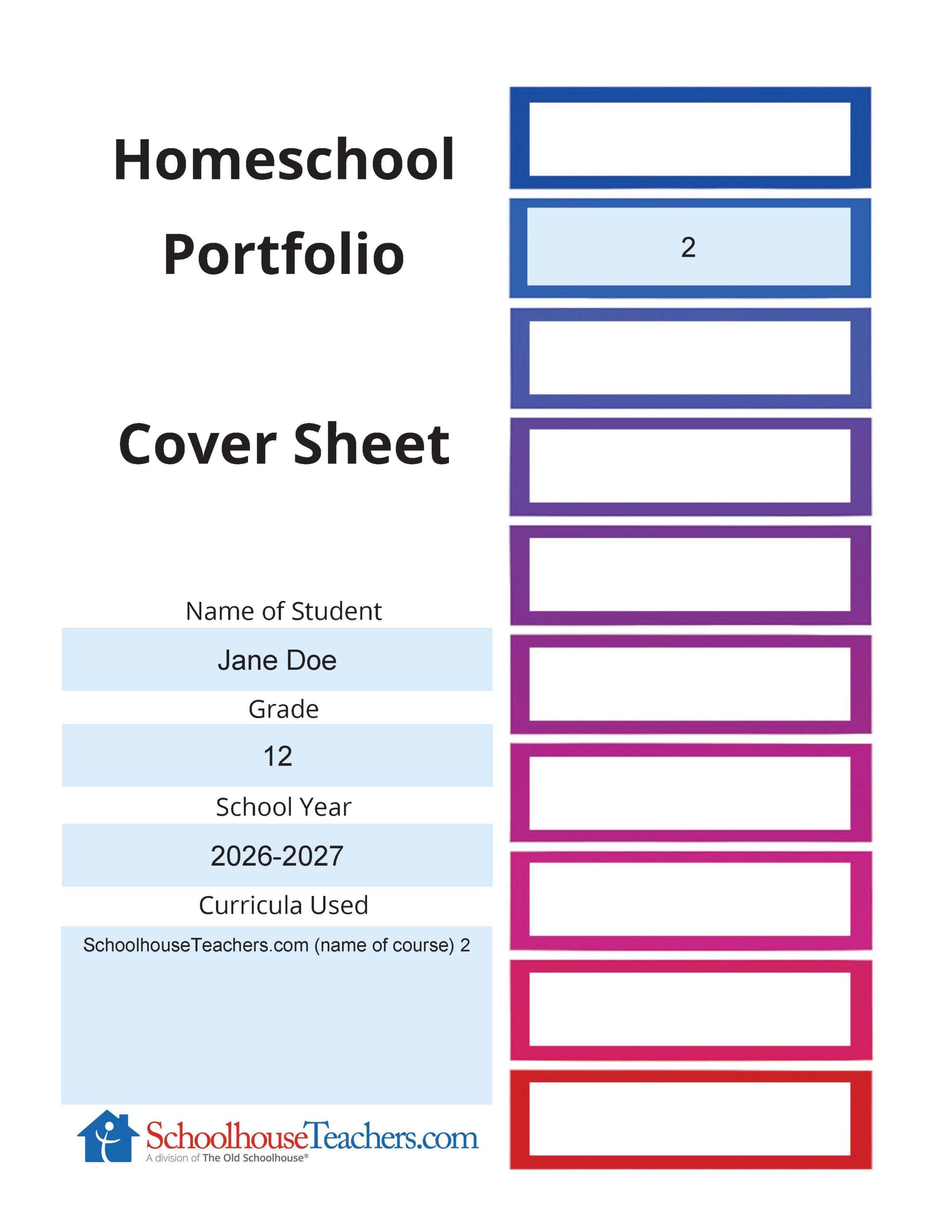
Use this version to create up to ten coordinated subject Cover Sheets with a matching Table of Contents. Subject headings entered once on the Table of Contents will automatically appear throughout the portfolio.
You must be a member to use these templates. Join here.
Use this version if you want each Table of Contents page to be different or if you need more than ten category pages. Unlike the Autofill Version, each subject’s Cover Sheet is completed independently. Make as many copies as needed for your portfolio.
You must be a member to use these templates. Join here.
Digital Files
Organize completed forms, work samples, photos, and supporting documents into folders on your computer or in cloud storage.
3. Homeschool Record Forms
Select and print or download the record forms you need for your homeschool portfolio. Print or save as many copies as necessary throughout the school year.
Be sure to save each file before entering information. Your work is not saved online.
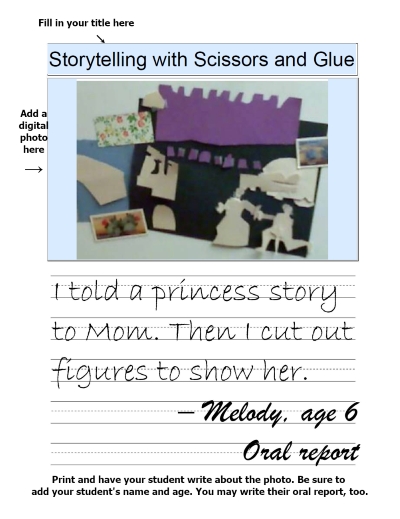
Choose any of these forms for recording photographs and special memories. They include fillable fields for titles and digital photographs.
4. Check Your Work
Use the Portfolio Compliance Checklist to verify that you’ve included all required records for your locality. If you need a formal year-end summary of your student’s education, complete the Portfolio Review Tool as well.
5. Finish & Share
Your homeschool portfolio is now complete. Printed portfolios can be shared with family members, homeschool evaluators, or educational authorities. If you’ve organized your portfolio digitally, the following guide explains several easy ways to share your files.
You must be a member to use these templates. Join here.
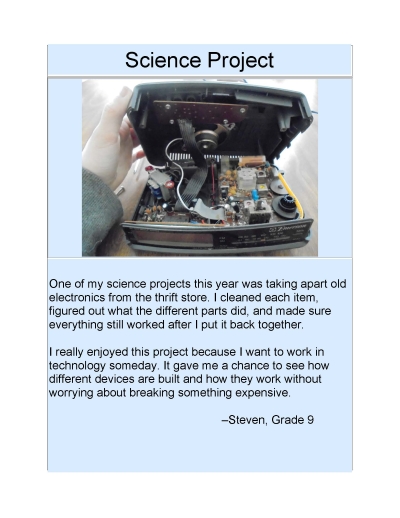

*Example portfolio pages and photographs are shared with permission.
