How to Use World Book Translation and Audio Tools
These World Book Online tools can help with ESL, Special Needs, and Foreign Language Learning.
Note: You can translate this page using your browser’s translation feature.
Access World Book
Log in to find the resources (see “To Access the World Book Resources”).
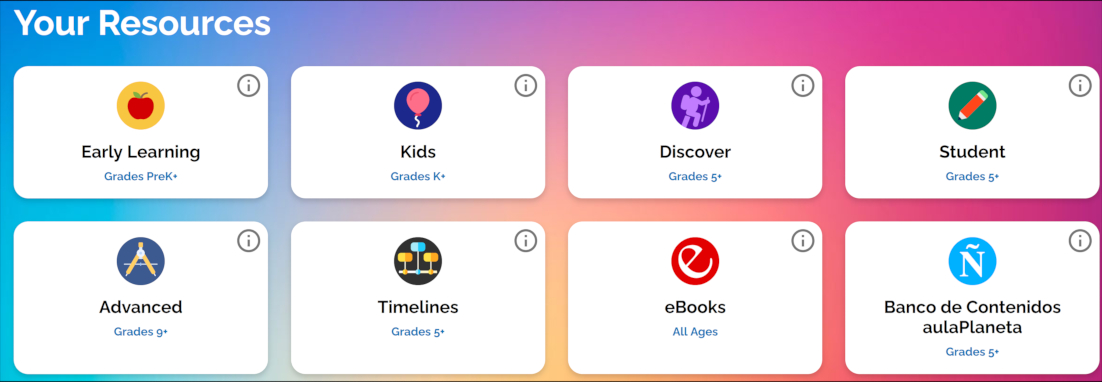
Articles in Kids, Student, Discover, and Advanced offer translation and read-aloud options. The icons may look slightly different in each resource.
Locate the Tools
 Pages which have a gear icon (top right) may offer options to translate. These are available on articles and selected other pages.
Kids Tools
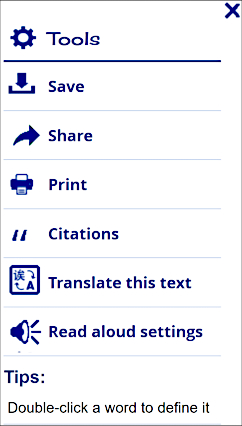
Discover Tools
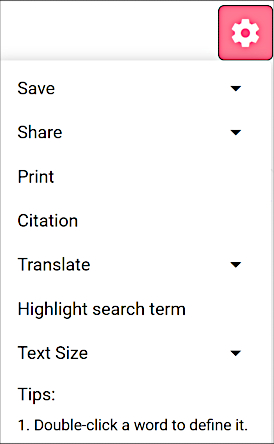
Student Tools
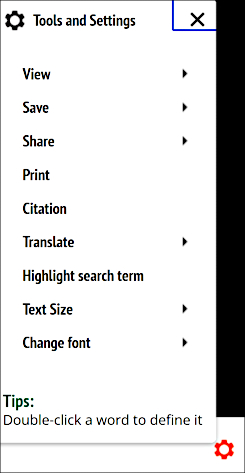
Advanced Tools
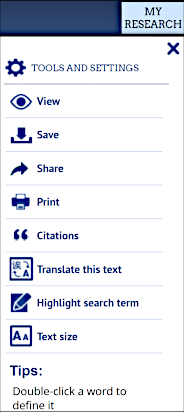
 Pages with an audio icon (left) can read the text aloud.
If the World Book translation tool is turned on, the text may be read aloud in the selected language.
“Change Voice” (where offered) lets students choose the speed and sound of the reading.
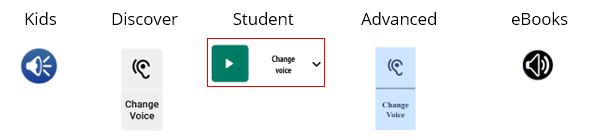
Additional Features
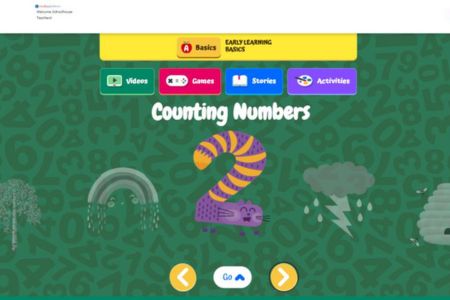
Early Learning: Some stories are available in Spanish. Scroll through the icons and look for the Ñ:

Kids: Use the dictionary feature as an English-to-your-language dictionary.
- Type a word in English, then use your browser’s translation feature.
- Compare the word and definition in both languages.
- This works for any age, not just the listed grade levels.
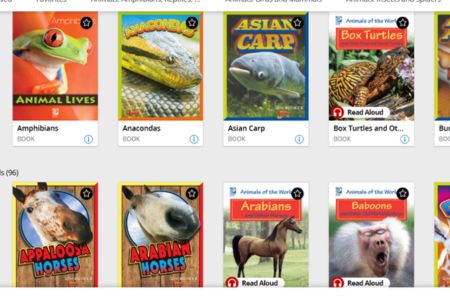
eBooks: Some eBooks include a read-aloud feature. Look for this icon:

Explore More World Book Resources
Early Learning
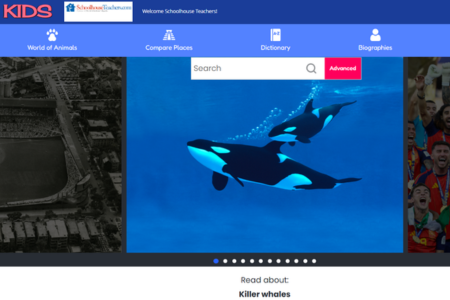
Kids
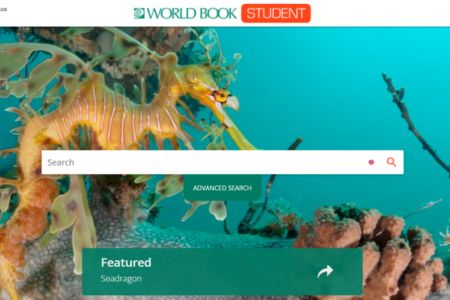
Student
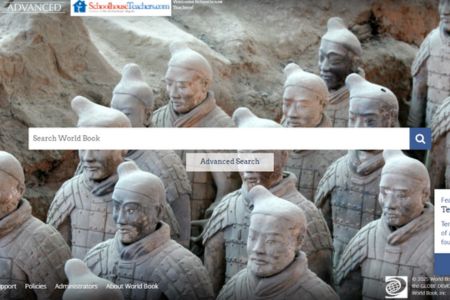
Advanced
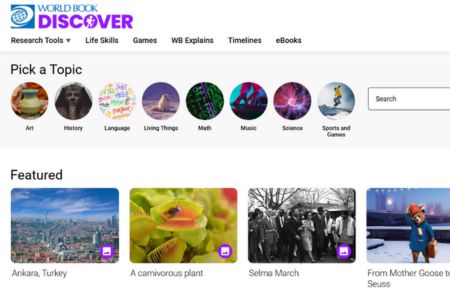
Discover

Timelines
eBooks